.png)



Capacitive Touch Panel and Touch Display Module Technology
Our Touch Integration Center supports your project from design evaluation to production readiness—recommending the most suitable touch solution for your application with reliable, state-of-the-art touch technology. For outdoor and industrial use, we focus on weather-resistant touch designs to help maintain stable operation under temperature changes, humidity, and challenging environmental conditions.
We also provide firmware (F/W) tuning and parameter optimization based on your use case—such as glove or wet-hand operation, cover glass stack-up, and system noise/EMI conditions—so you can achieve a complete, application-ready touch solution with a consistent user experience.

Moisture Tolerance

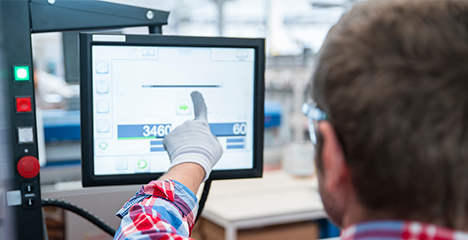
Multi-Touch

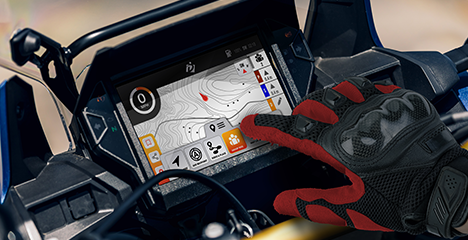
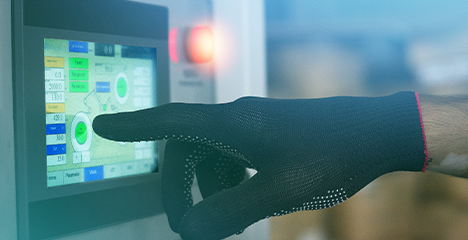
Gloved Touch

Hovering Touch
Core Technology
Touchscreens with PCAP Technology
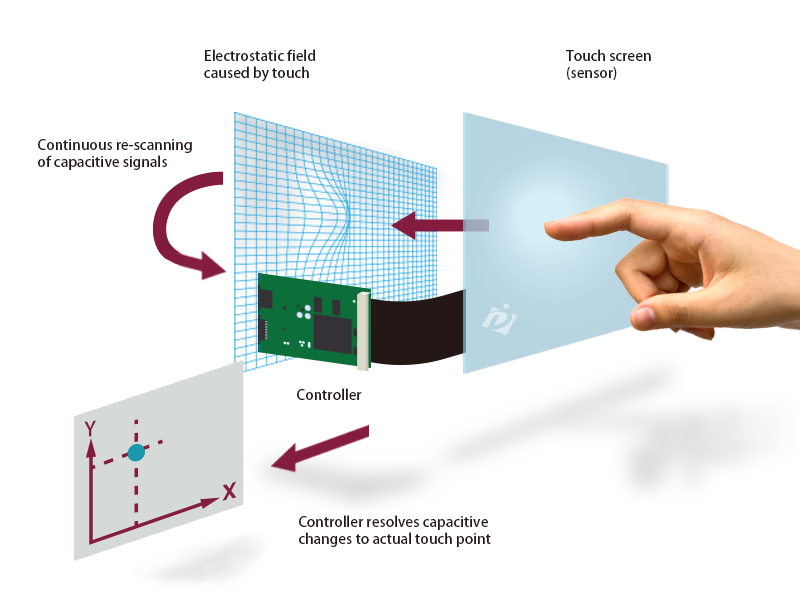
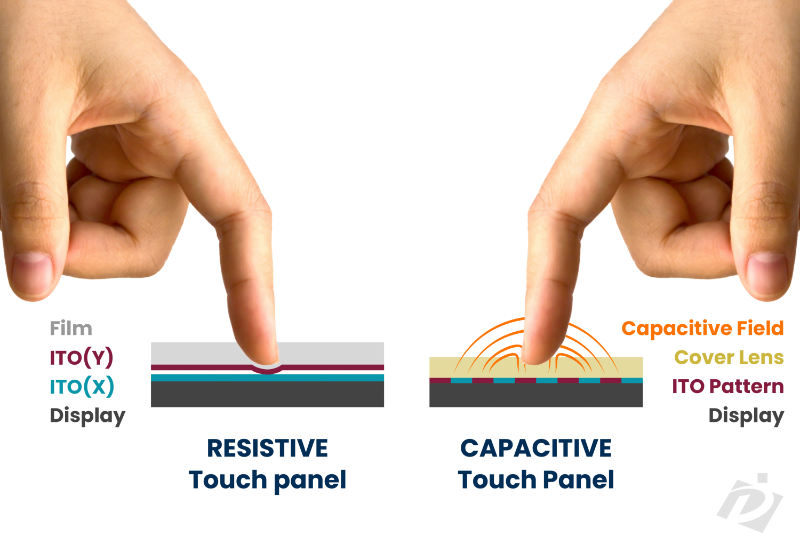
PCAP (Projected Capacitive) touch is a capacitive sensing technology that enables precise, responsive interaction and true multi-touch capability. By using an X/Y capacitive electrode matrix, the sensor can accurately locate multiple touch points at the same time—supporting multi-finger operation and gestures.
Because PCAP does not require direct contact with the sensor layer itself, the touch sensor can be placed behind an insulating layer, and it can remain functional even under protective films or behind waterproof and protective structures. With a glass top surface commonly used in PCAP designs, it is typically a more durable and robust solution than resistive touch for industrial and outdoor applications.
This technology is the core of a modern Touch Display Module, offering durability and optical clarity.
What Is a Touch Display Module?
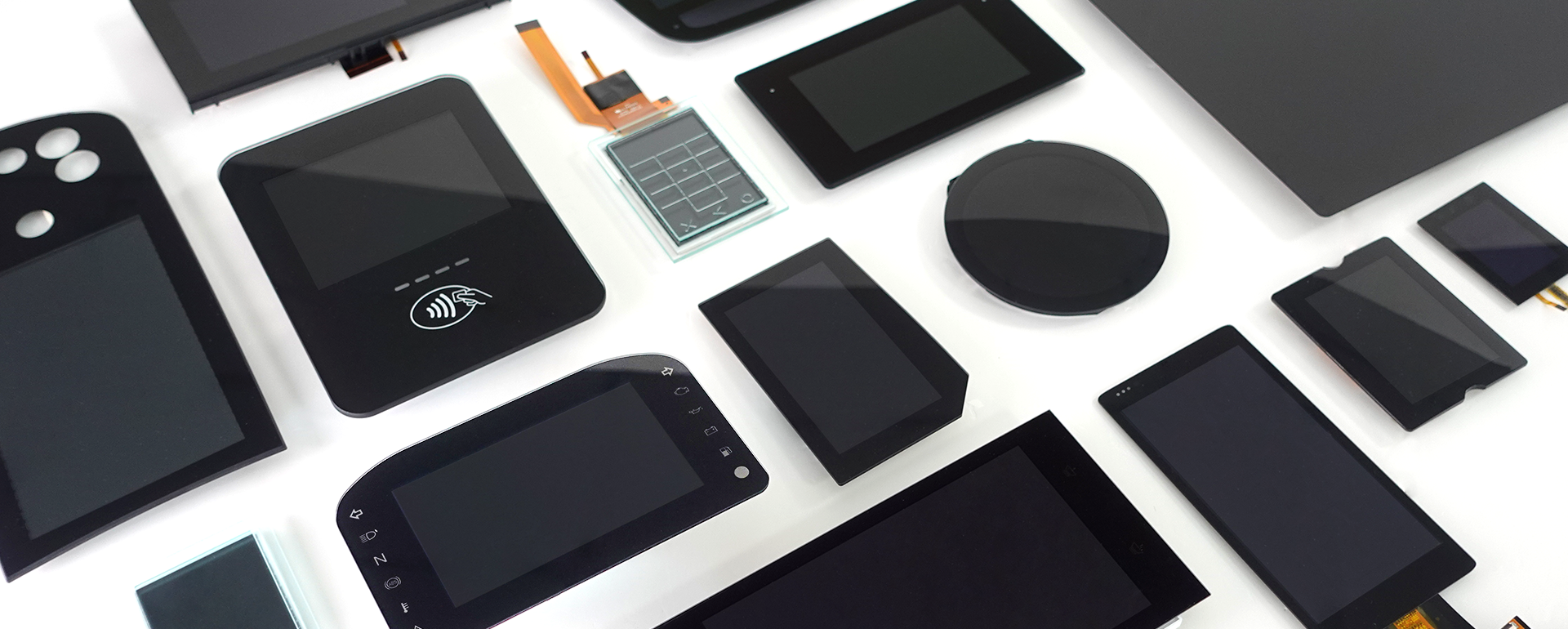
A Touch Display Module integrates a display panel, a touch sensor, a control IC, and a flexible printed circuit (FPC) into one manufacturing-ready unit. The touch sensor is joined to the display through lamination or optical bonding, removing the internal air gap between the two layers. This integration improves image contrast, reduces glare, and adds resistance to shock, vibration, and moisture compared to separately mounted touch and display components.
Why Optical Bonding Matters for Touch Display Modules
DATA IMAGE builds its Touch Display Modules around PCAP (Projected Capacitive) sensing, combined with optical bonding, firmware tuning, and water-handling features. For OEMs designing outdoor kiosks, industrial HMIs, or in-vehicle displays, an optically bonded module typically results in fewer field failures from condensation and physical impact than a standard bezel-mounted panel.
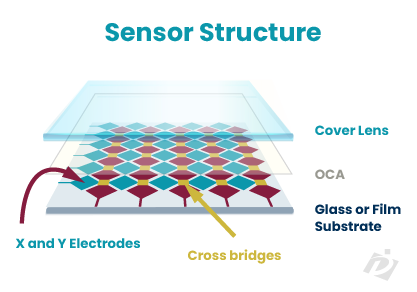
Sensing Layers
The touch sensor is built from a fine grid of transparent X and Y electrodes bonded to glass or film. As a finger approaches the surface, it disturbs the local electrical field and changes the capacitance at that location. The controller continuously scans this grid, detects the change, and calculates the exact touch coordinates in real time—all without requiring direct pressure on the surface.
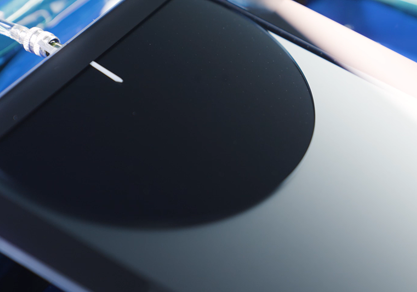
Touch Controller Firmware
The touch controller firmware governs how raw sensor data is interpreted—filtering noise, rejecting unintended touches, and calculating precise touch coordinates. Because every application has different requirements, the firmware is rarely used off the shelf; it is typically re-written and tuned to match the specific cover glass stack-up, operating environment, and use case, such as glove operation, wet-hand conditions, or high-EMI industrial settings.
Optical Bonding
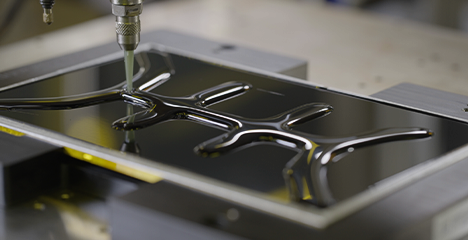
Optical bonding permanently laminates the cover glass to the touch sensor and display, eliminating the air gap that would otherwise sit between the layers. Without this gap, there is no space for moisture to condense and cause internal fogging, and the elimination of internal reflections also improves contrast and sunlight readability—while making the bonded structure significantly more resistant to shock and vibration.

Water Handling
On certain industrial applications, water can accumulate on top of PCAP touch screens and trigger false touches. To avoid this, the latest PCAP technology features water repellent surface treatments and a firmware algorithm that differentiates an actual touch from water droplets. Together, these features enable the touch screen to keep working reliably even under challenging, wet operating conditions.

Understanding
Multi-touch
Multi-touch technology streamlines workflows by cutting down steps and making interaction more intuitive. With gestures such as zoom, scroll, and other natural commands, users can complete common tasks faster and with fewer errors, improving both human-machine interaction and overall usability. As the interface becomes easier to learn and quicker to operate, teams work more efficiently and end users enjoy a smoother, more natural experience.
We also offer customizable multi-touch solutions to match different users and environmental conditions. Through firmware (F/W) tuning and parameter optimization, we adapt touch performance to challenges such as glove or wet-hand operation, cover glass stack-up, and system noise/EMI—helping ensure a stable, consistent touch experience across real-world deployments.
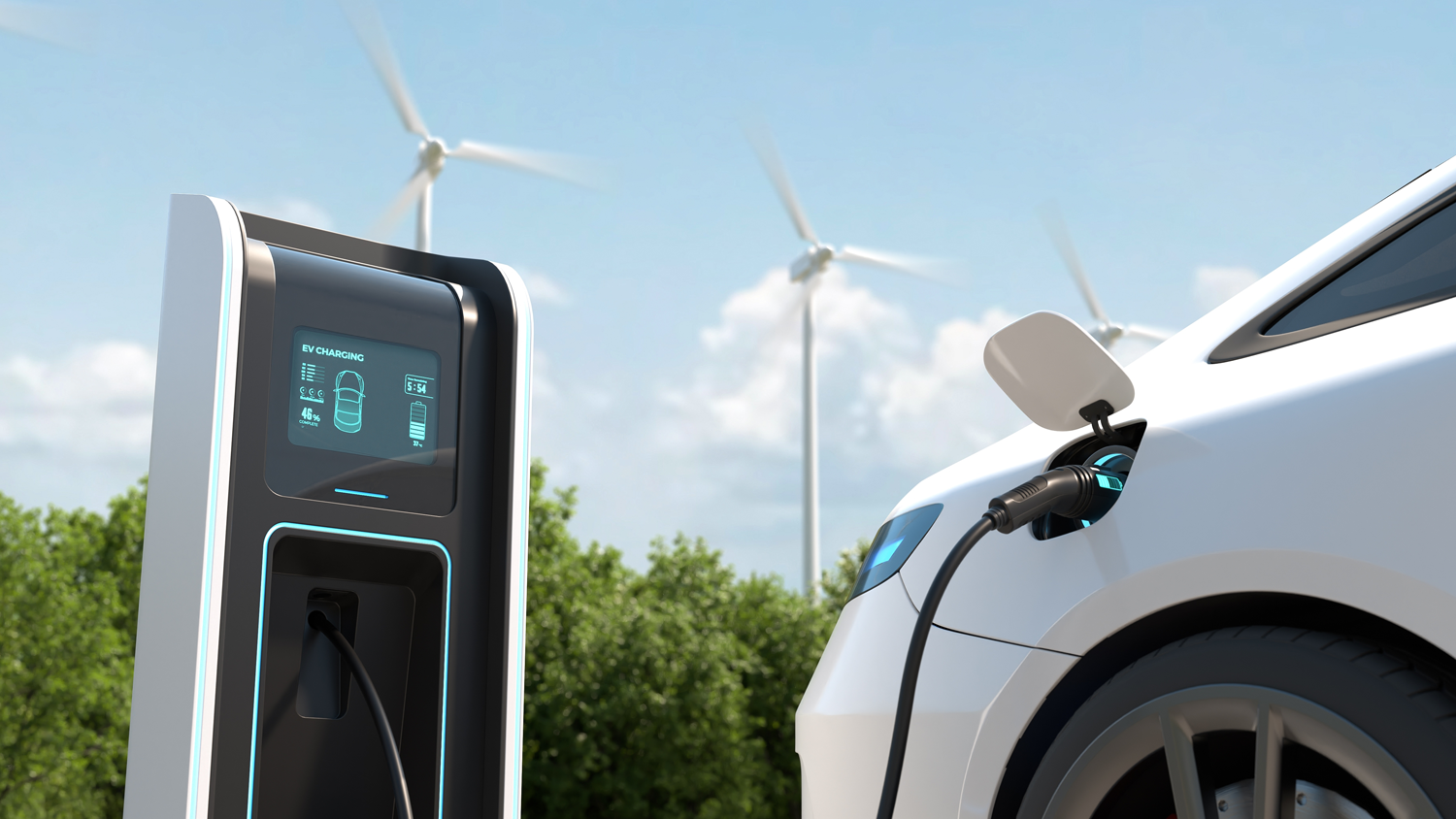
Projected Capacitive Touch Displays Advantages
Key benefits of PCAP (Projected Capacitive) touch technology:
- ✓True multi-touch & gesture support (zoom, swipe, scroll)
- ✓Built for outdoor and industrial use, with stable operation under challenging conditions
- ✓Flat, seamless design for a clean look and easy cleaning
- ✓Long-term reliability for 24/7 and long-service-life applications
- ✓Durable and customizable, adaptable to cover glass stack-up and user needs
- ✓Excellent optical performance, compatible with optical bonding for improved readability
- ✓Easy integration and assembly for faster system deployment
- ✓Stable, no-drift operation, reducing offset and false touch risks over time
FAQ
Q1. Which touch technology is best suited for demanding industrial HMI applications?
Projected Capacitive (PCAP) touch technology is the industry standard. DATA IMAGE specializes in advanced PCAP modules that deliver multi-touch capabilities, high optical clarity, and exceptional durability to withstand harsh industrial environments.
Q2. Is it possible for touchscreen modules to maintain accuracy when wet or operated with gloves?
Yes, provided the firmware is properly optimized. DATA IMAGE touch display modules feature specialized Waterproof Touch algorithms, ensuring precise responsiveness and zero false triggers even with fluid droplets or thick industrial safety gloves.
Q3. How can a display module improve both optical clarity and physical ruggedness?
The most effective solution is Optical Bonding. DATA IMAGE utilizes professional optical bonding to eliminate the internal air gap between the layers, which significantly reduces glare, prevents internal fogging, and enhances mechanical shock resistance.
Q4. What customization options should be considered for unique product housing designs?
Tailored physical and optical properties are essential. DATA IMAGE provides comprehensive customization services, including bespoke cover glass thickness, custom shapes, anti-glare (AG/AR) surface treatments, and tailored controller tuning to match exact mechanical specs.
Q5. How do B2B buyers protect their designs from sudden component obsolescence?
Partnering with a manufacturer that offers strict lifecycle management is key. DATA IMAGE enforces rigorous longevity programs to guarantee long-term component availability, protecting OEMs from unexpected redesigns and ensuring multi-year product continuity.