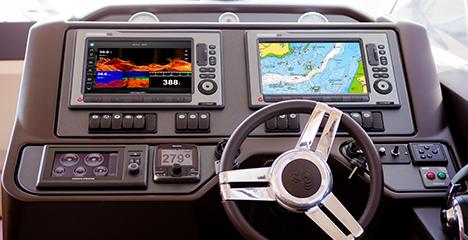
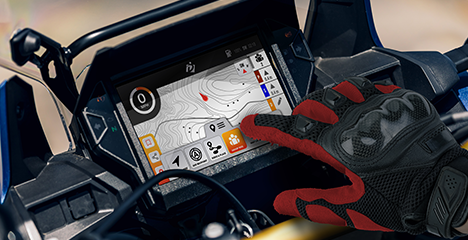
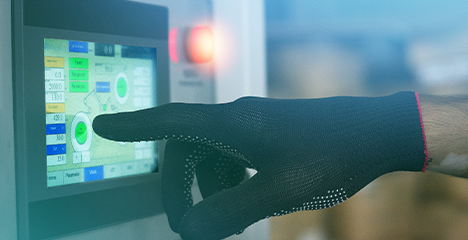
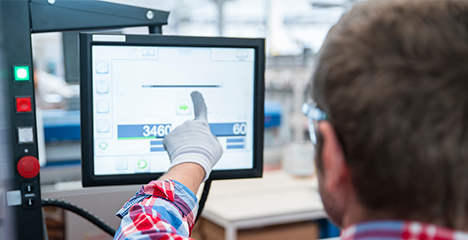
.png)



Dial on Touch (DoT): Rotary Control for Any Touchscreen
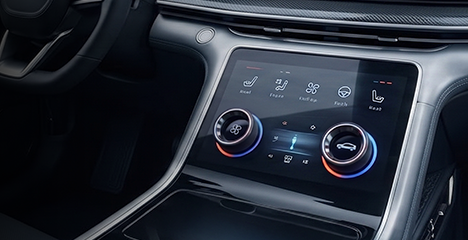
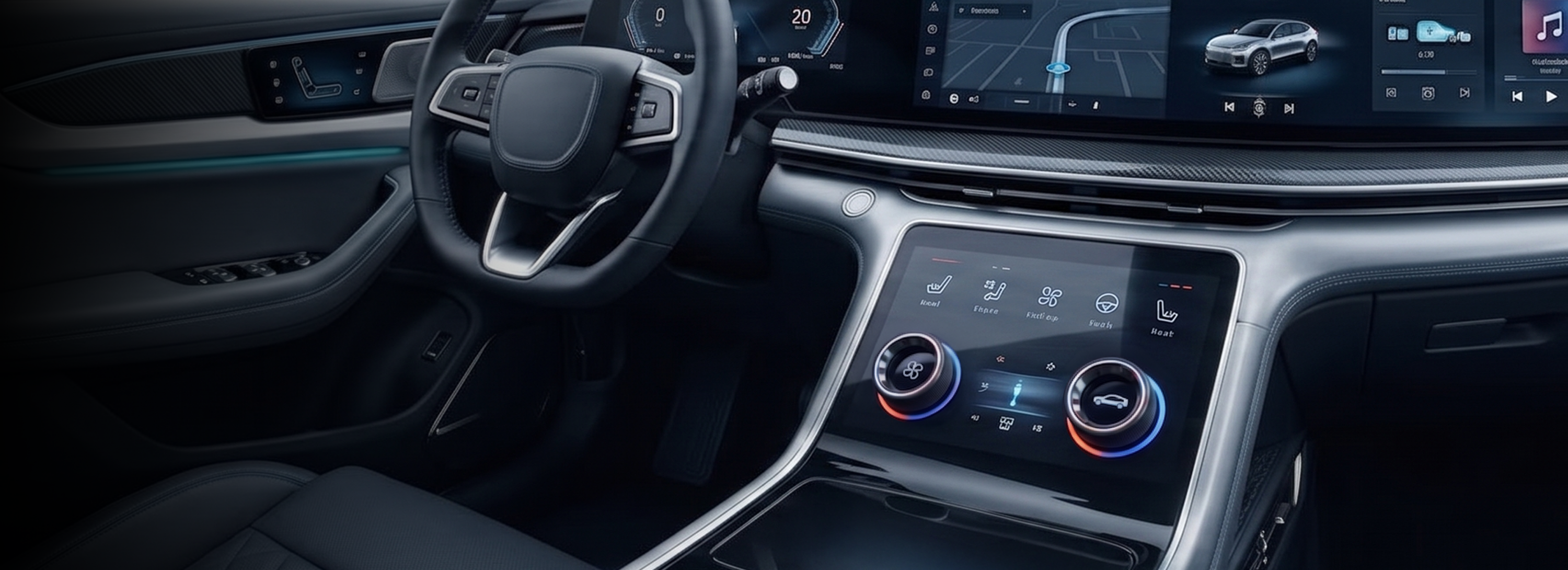
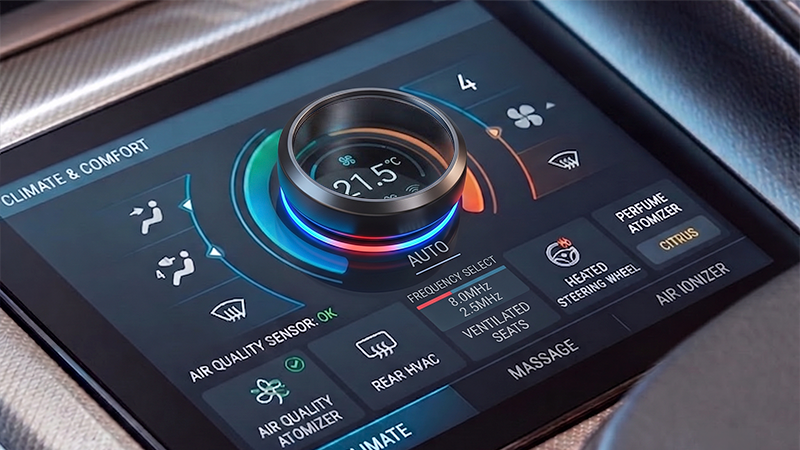
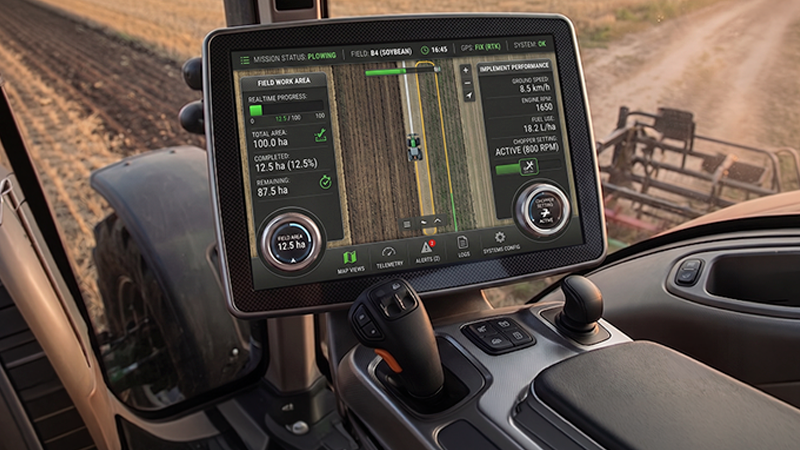
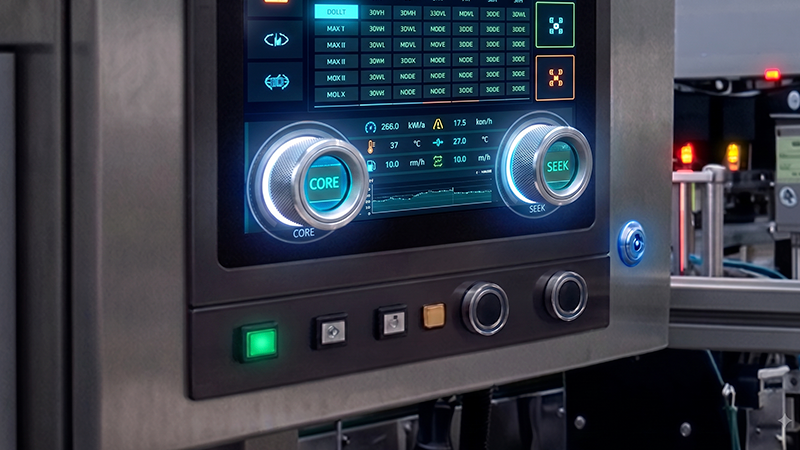
DATA IMAGE's Touch Integration Center supplies Dial on Touch (DoT) rotary control modules for integration with capacitive touchscreens across automotive, industrial, and smart-home HMIs. Each DoT module mounts directly to the touchscreen surface and communicates with the display's embedded capacitive sensor purely through conductive contact — no mechanical connector or panel opening required — delivering smooth, trackable rotation with instant haptic feedback that stays responsive even with a gloved hand.

Retrofits Any Touch Display
Adhesive-mounted onto any existing touchscreen — no co-design or hardware redesign required.

No Panel Modification Required
No drilling, no cutouts — the display stays mechanically untouched.

Preserves IP Rating
Unlike drilled-hole knob designs, DoT's fully sealed surface mount keeps your display's waterproof rating intact and easy to clean.

Accurate Eyes-Free Operation
Detent feedback lets users dial in the right setting without needing to look at the screen.
Core Technology
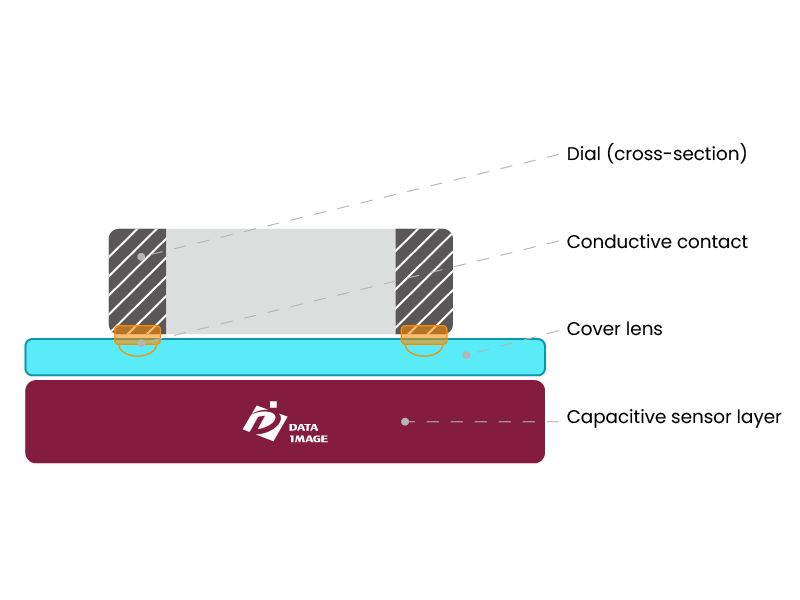
How Capacitive Dial Sensing Works
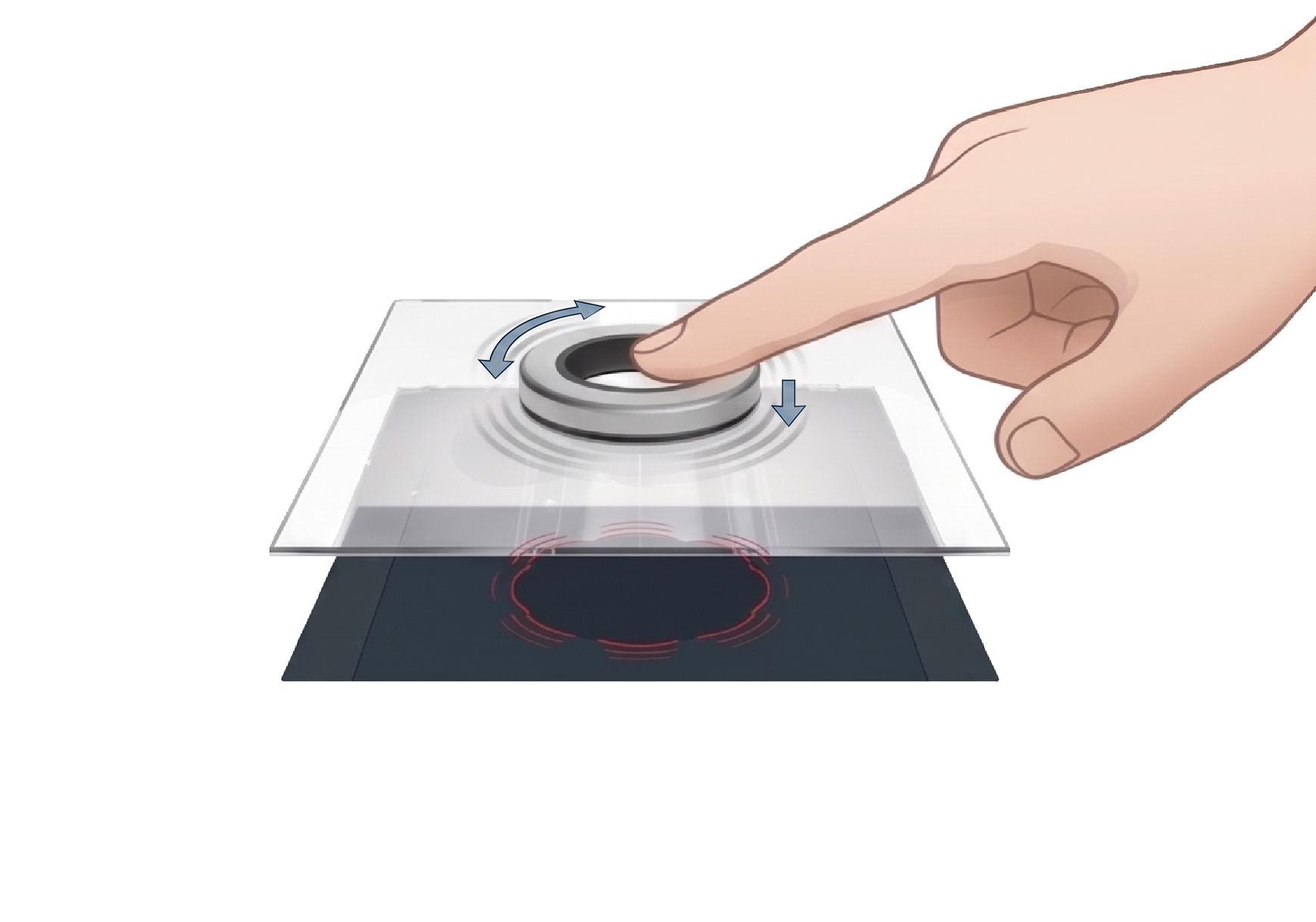
A DoT module mounts to the touchscreen surface and communicates with the display's embedded capacitive sensor entirely through conductive contact — no mechanical connector or panel opening required. As the dial is touched, rotated, or pressed, its conductive contact area shifts relative to the sensor grid beneath the cover lens; the touch controller continuously reads that shift and reports it as a distinct signal event, so the screen can reliably tell rotation, a simple touch, and a press apart from one another.
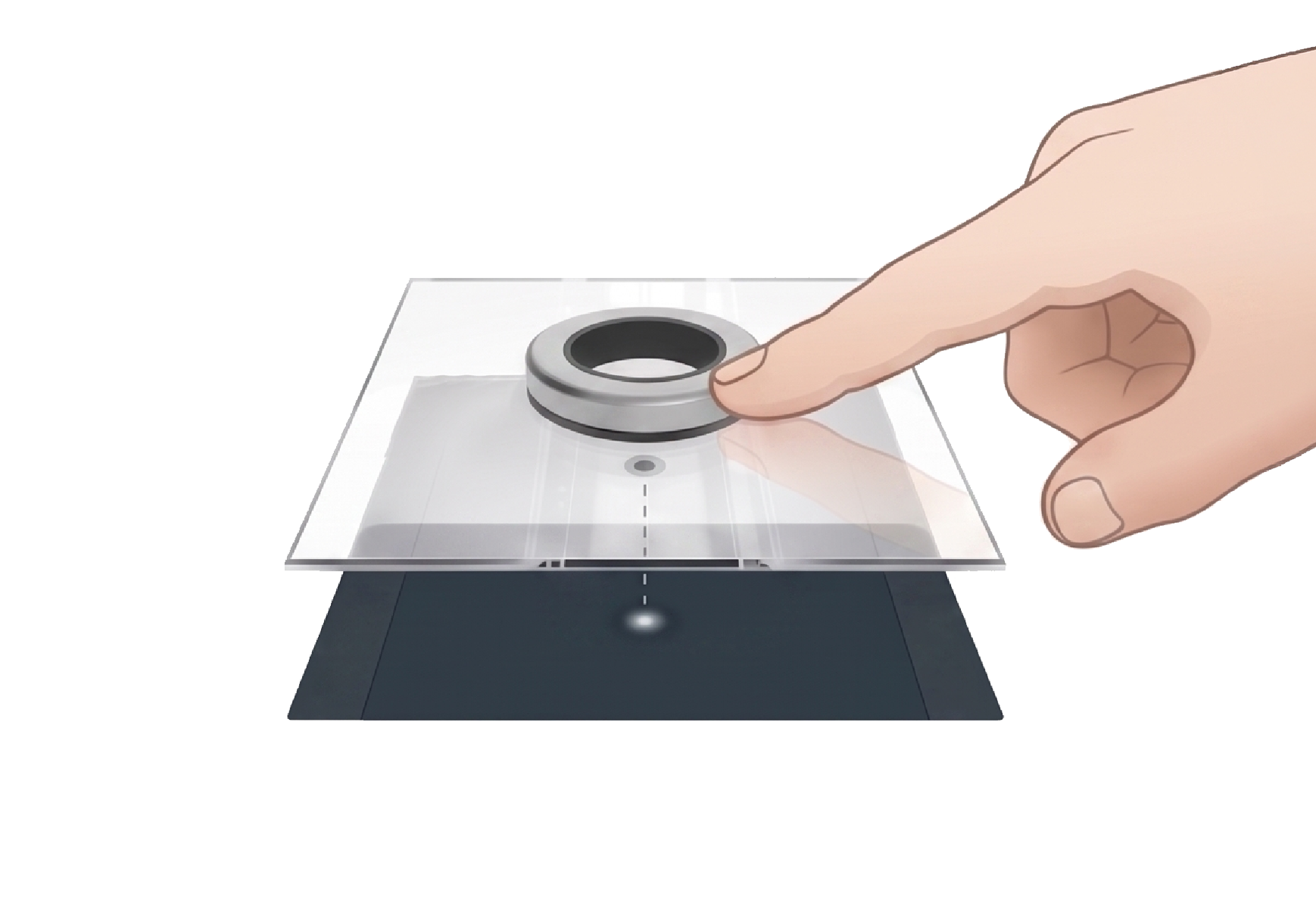
Touch
Simple contact with the dial activates a touch-sensitive screen — useful for waking the display — and stays reliable even through a glove.
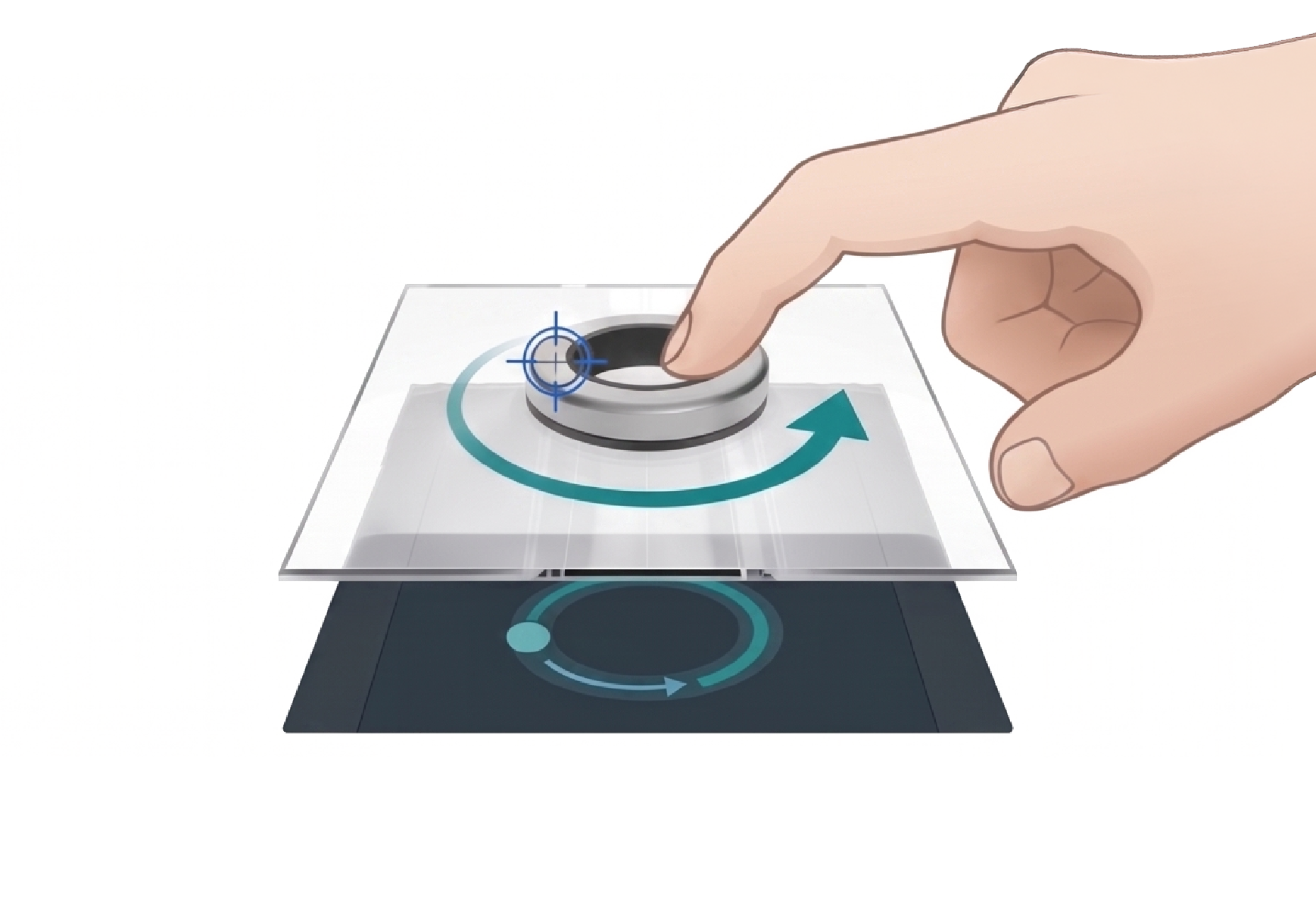
Rotate
Smooth rotation is tracked continuously, letting the user dial in to a specific value or function shown on screen.
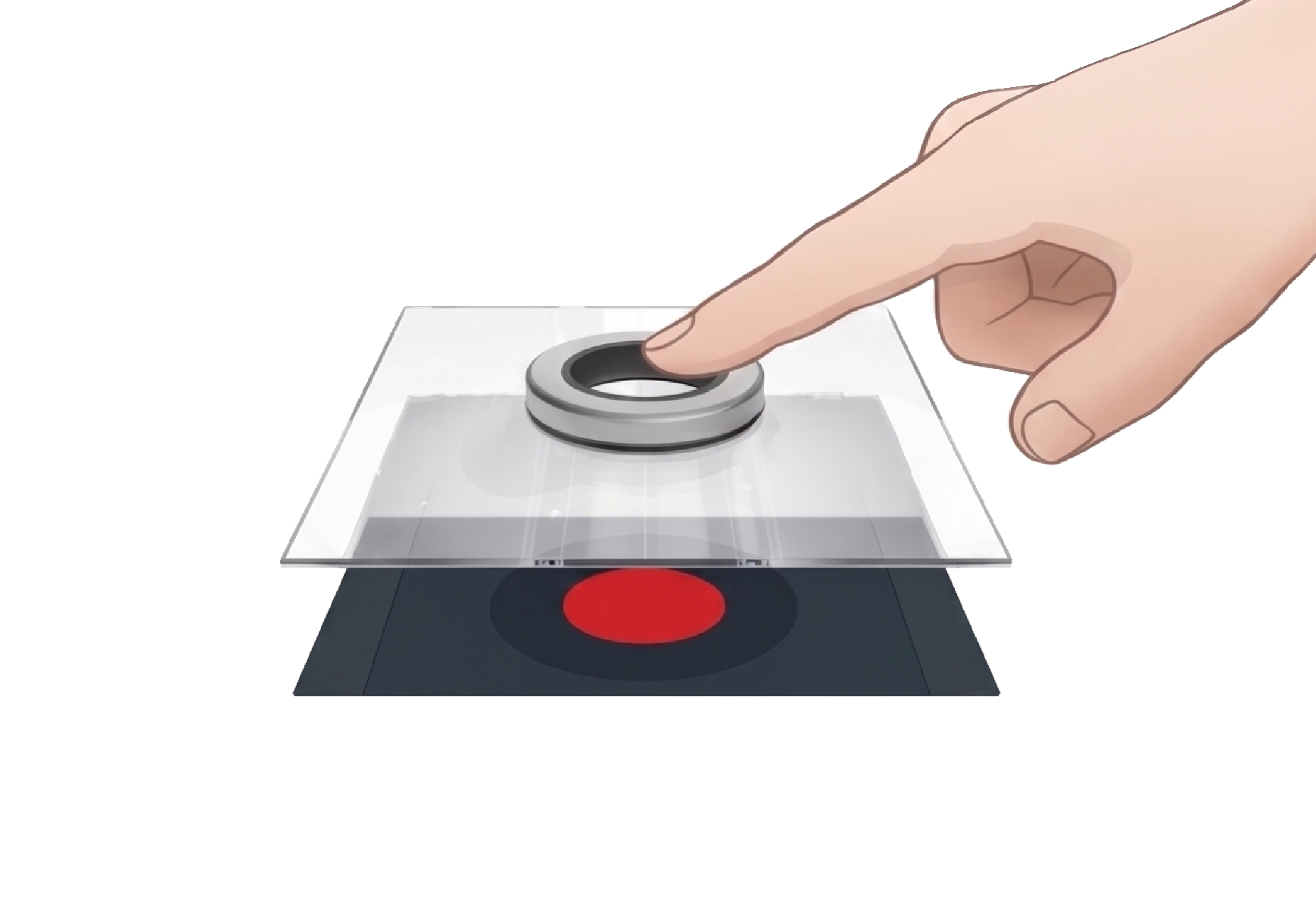
Push
A center press confirms the selected function. The dial's ring-shaped profile leaves the screen's center visible, so the display itself can show the current selection.
Haptic Feedback
Physical and audible detents confirm every rotate and push action, so the user can tell an input registered without needing to look at the screen.
Standard Reference Specifications
Typical values for our standard DoT module. Dimensions, torque, and detent count can be adjusted per project.
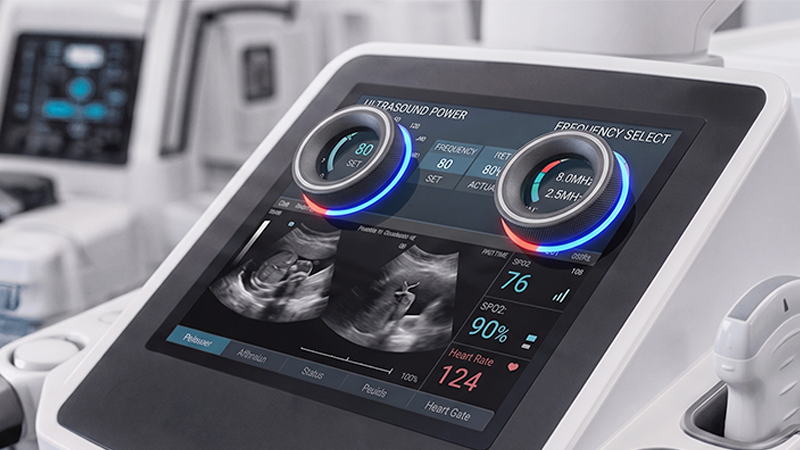
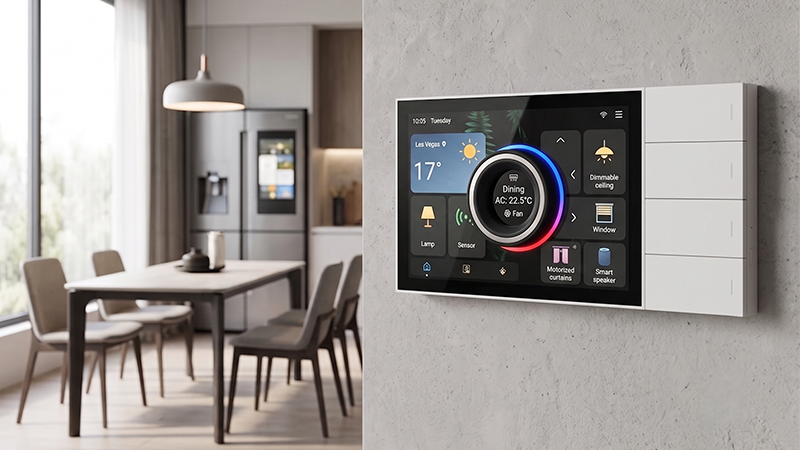
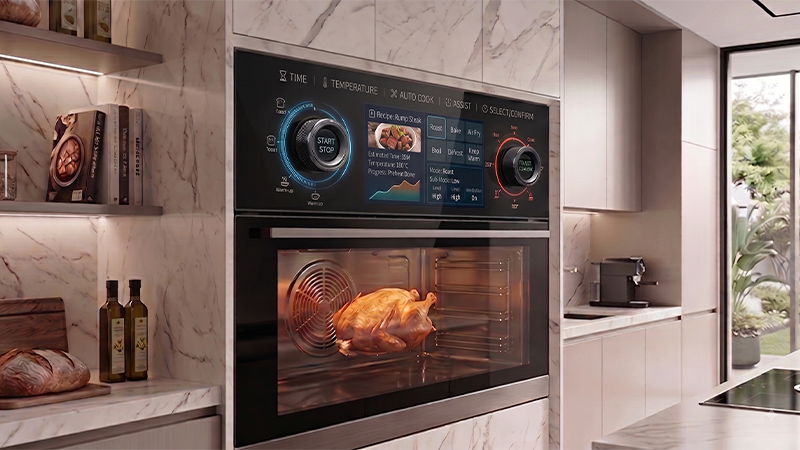
DoT Applications
*All images are for illustrative purposes only. Actual product may vary.
FAQ
Q1. Does the DoT module require an opening in the screen or cover lens?
No. The DoT module attaches directly to the surface of a standard capacitive touchscreen and communicates with the display's embedded sensor through conductive contact — no panel opening or mechanical connector is needed.
Q2. Does the dial still work with a gloved hand?
Yes. Touch, rotate, and push are all detected through conductive contact, and remain reliable even when the user is wearing a glove.
Q3. Can the dial's feel be customized?
Yes. Torque-to-rotate, detent count, and push-to-select force can all be tuned per project, and the push function can be omitted entirely for a rotate-only design.
Q4. How is the dial mounted to the screen?
Double-sided tape is available for testing and demonstration use. For production, we recommend a two-part adhesive and can advise on pull-off force requirements and adhesion method for your specific application.
Q5. What needs to be validated before mass production?
We recommend validating the complete module across five areas: function and feel, environmental conditions (temperature/humidity, water film, gloves), EMI/ESD, mechanical durability (rotation and press life), and process consistency.